
Technologies made easier with suren
Monday, 27 November 2017
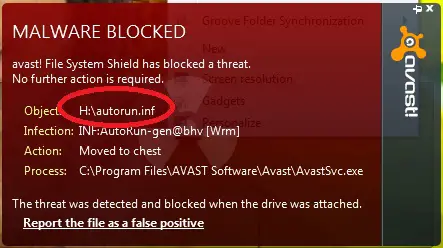
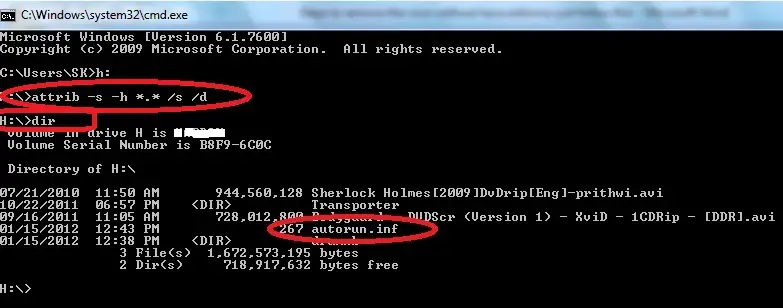
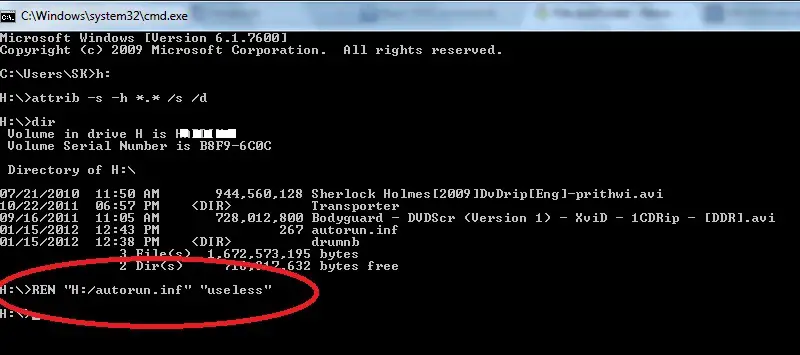
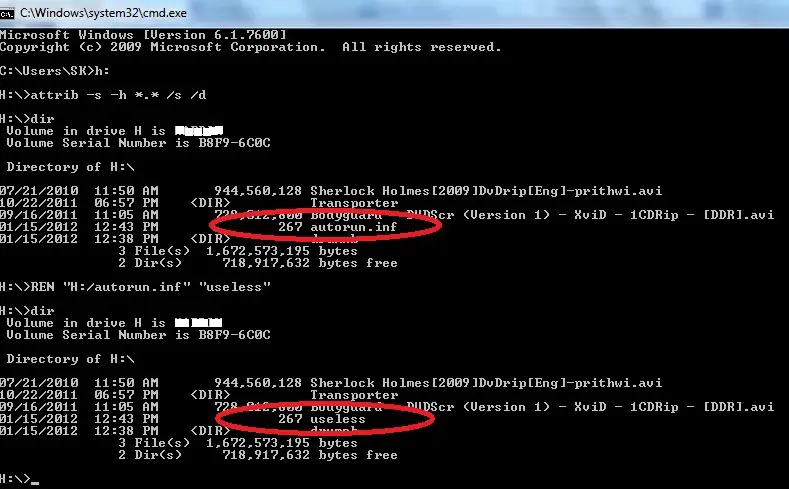
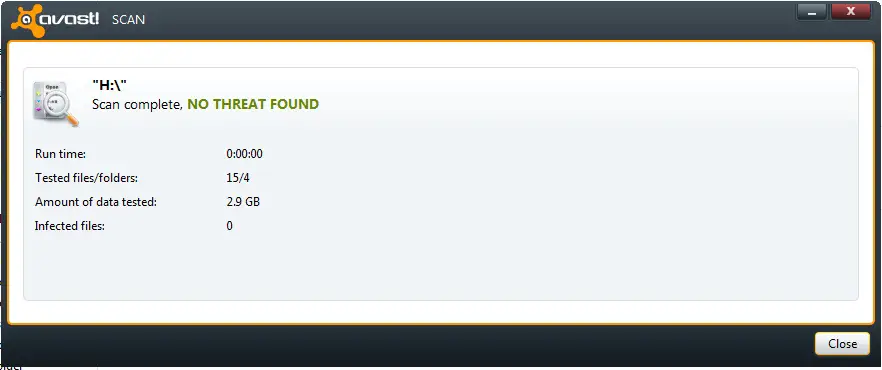
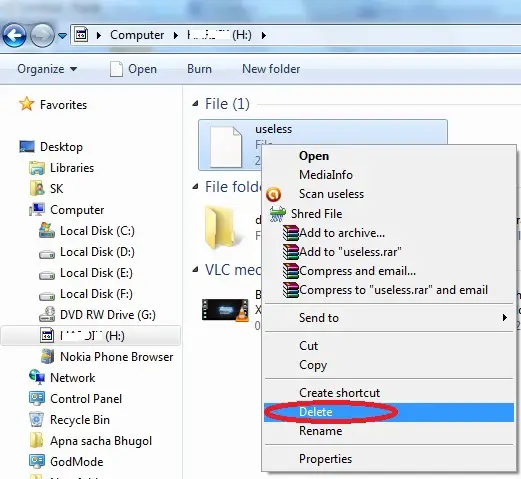
HOW TO REMOVE VIRUS WITHOUT ANTIVIRUS

Subscribe to:
Comments (Atom)
-
In today's digital age, having an online presence has become essential for businesses and individuals alike. However, setting up a websi...
-
The costs of setting up and maintaining a website can add up quickly. Designing, developing and maintaining a site all need outlay of o...
-
In part 1 of our blog post Click for part 1 , we covered some pro tips to help you use Chat GPT effectively. In part 2, we'll go over mo...
-
If you live in an English-speaking country and purchased a PC at your local retailer or online, chances are you are running an English v...
-
Laptop or PC running slow? Here’s what you can do Slow laptop or computer? Before you go out and get a shiny new one, ...
-
 How to Recover Deleted File without using any Software? For example, let’s assume that you have permanently deleted “My Sweet Heart....
 -
Everyone is getting more concerned about the issue of Internet security especially when making transactions via mobile. VPN (Virtual Privat...
-
 1. The first computer mouse was made with wood in 1964 by Doug Engelbart. 2. 30,000 websites are hacked every day. 3. T...


